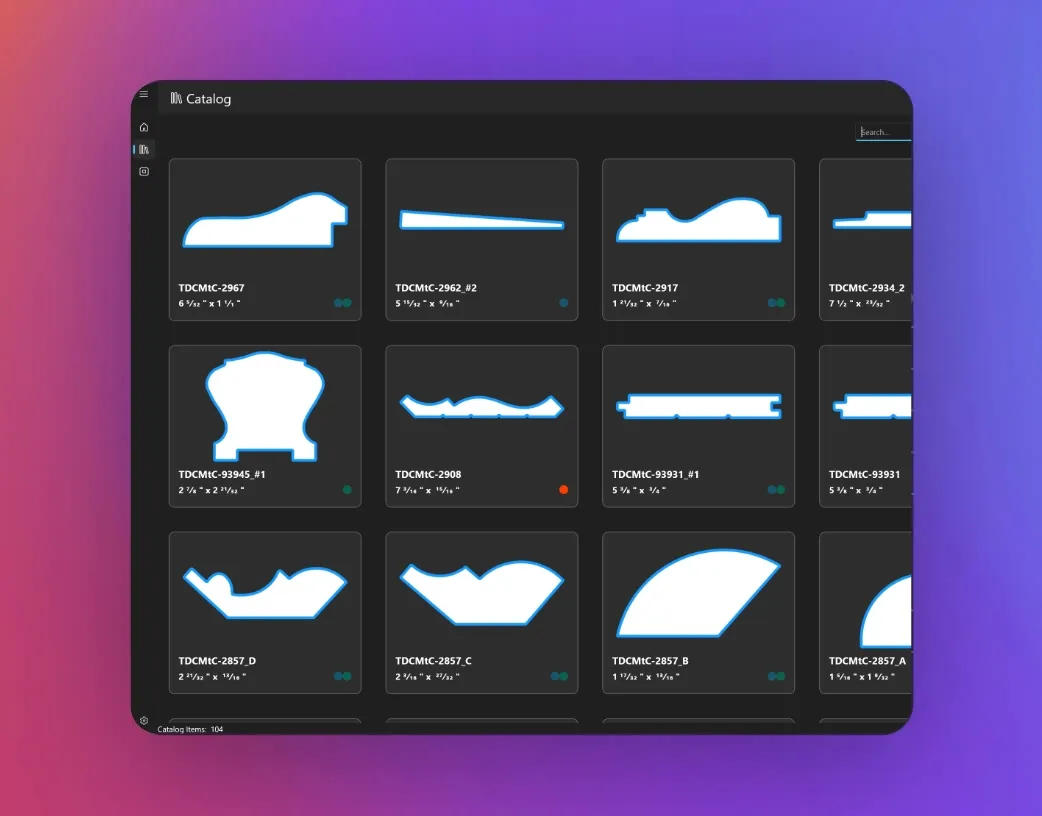
Load CAD files or high-contrast images of knife profiles into your catalog, then organize, tag, filter and search. Import .dxf files (a free .dwg to .dxf converter is available) and most common image formats, and filter by width, height, tags and locations. Catalogs of 100,000+ items are supported.
Fast Matching
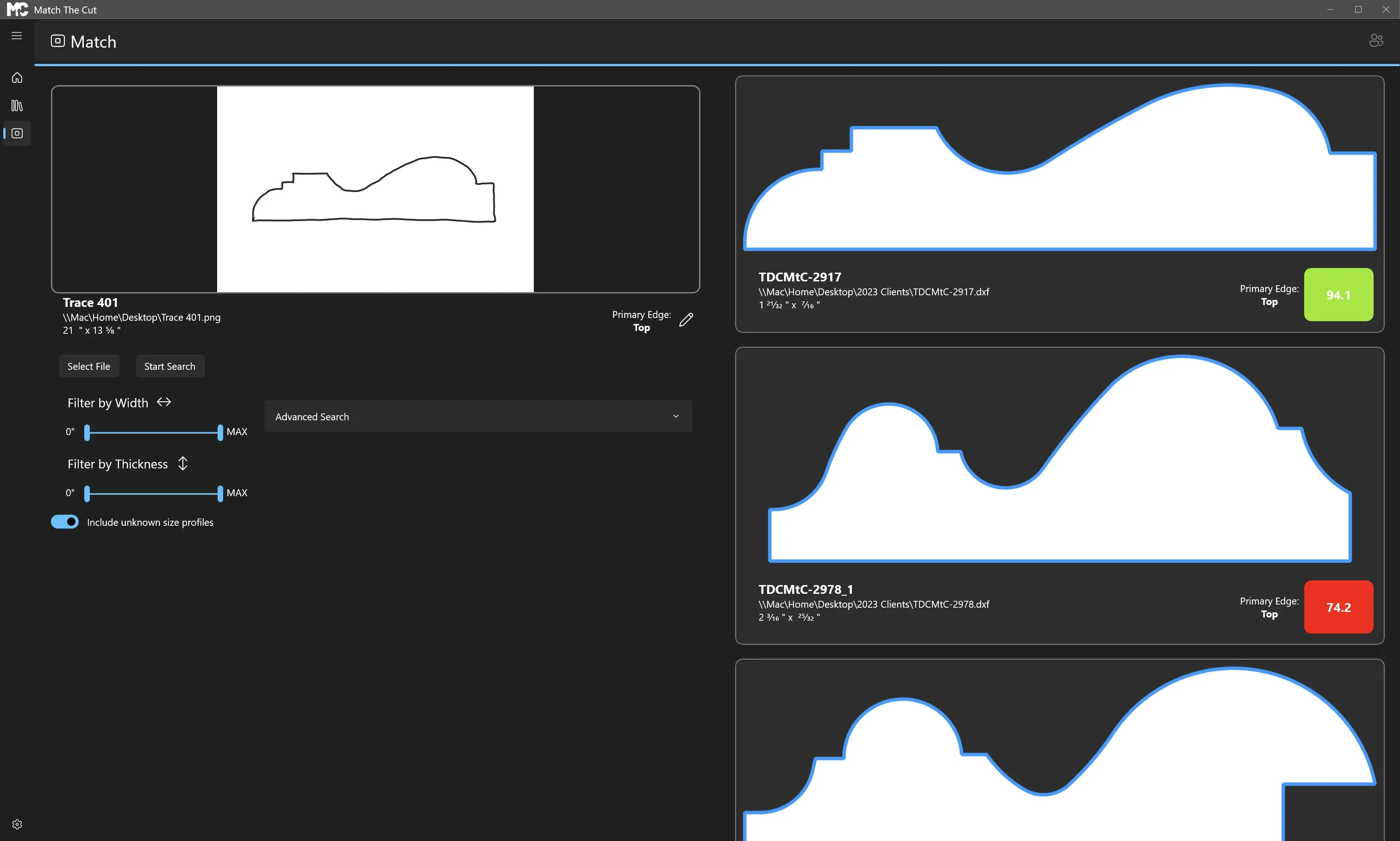
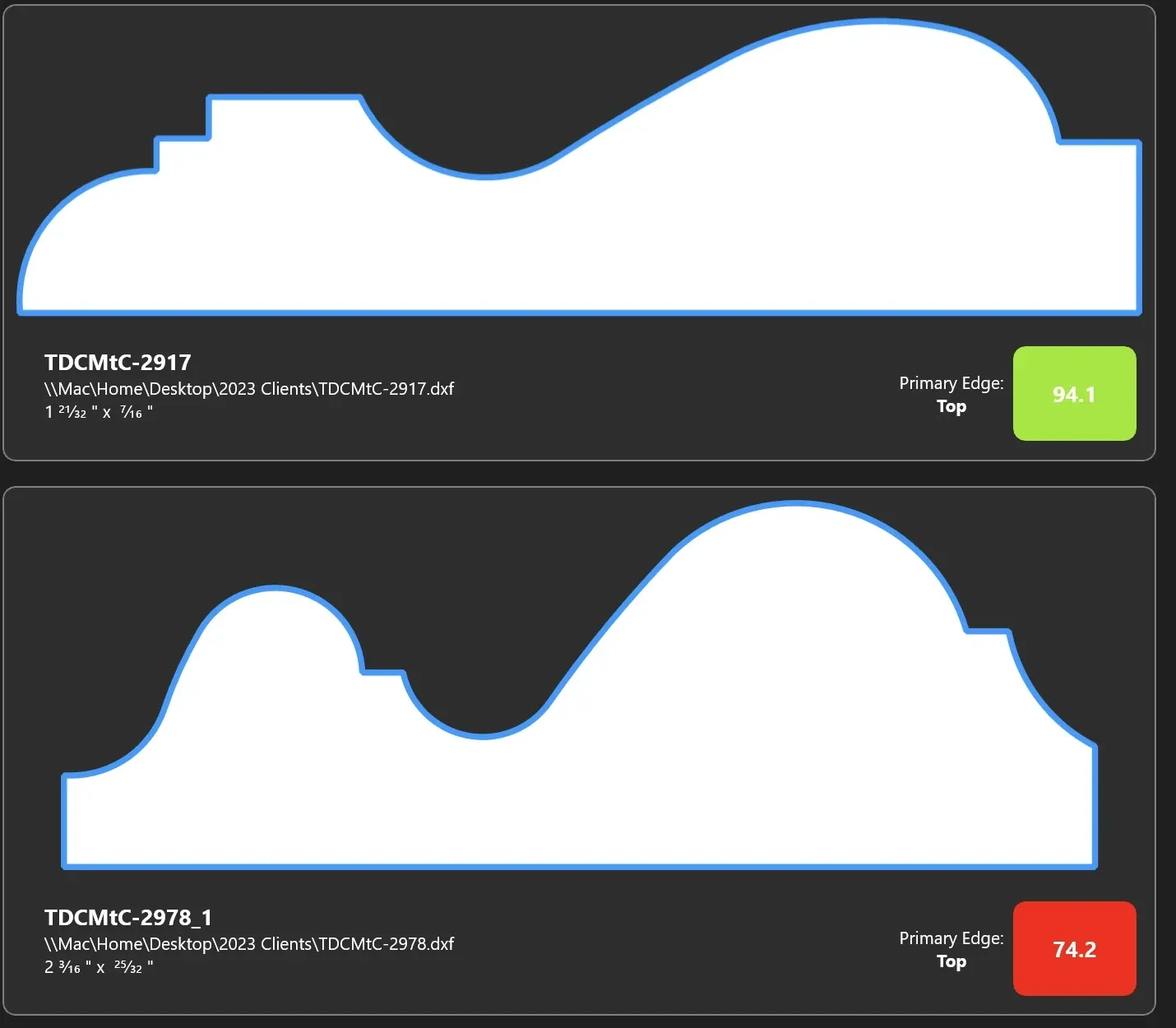
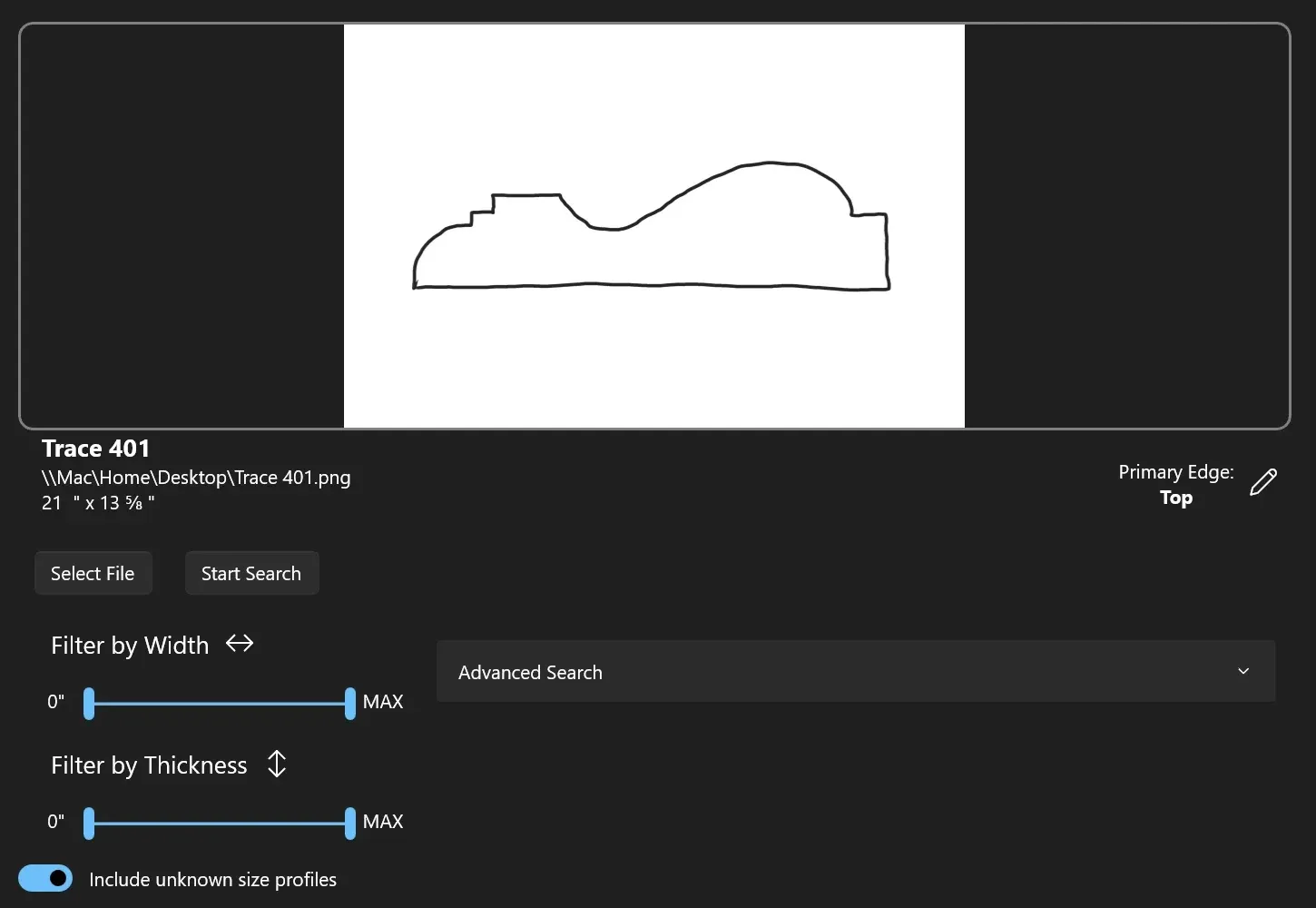
Upload an image of a custom molding and find a match in seconds. Most searches take under 2.5 seconds, less time than it takes to sip some coffee. Percentage matches show how close each profile is, and Advanced Search lets you match more than the key side.
Sales Version
Empower your salespeople to find matches on a simplified version of Match the Cut (requires sales licenses). They get the image processing tools, match against your complete catalog by syncing with a full version, and stay sandboxed so your catalog and settings are safe.
Stay in Sync
Use Google Drive to sync your catalog across multiple computers and locations (requires multiple licenses). Multiple users can make changes at the same time, and Match the Cut always keeps the most recent change.
Time Travel
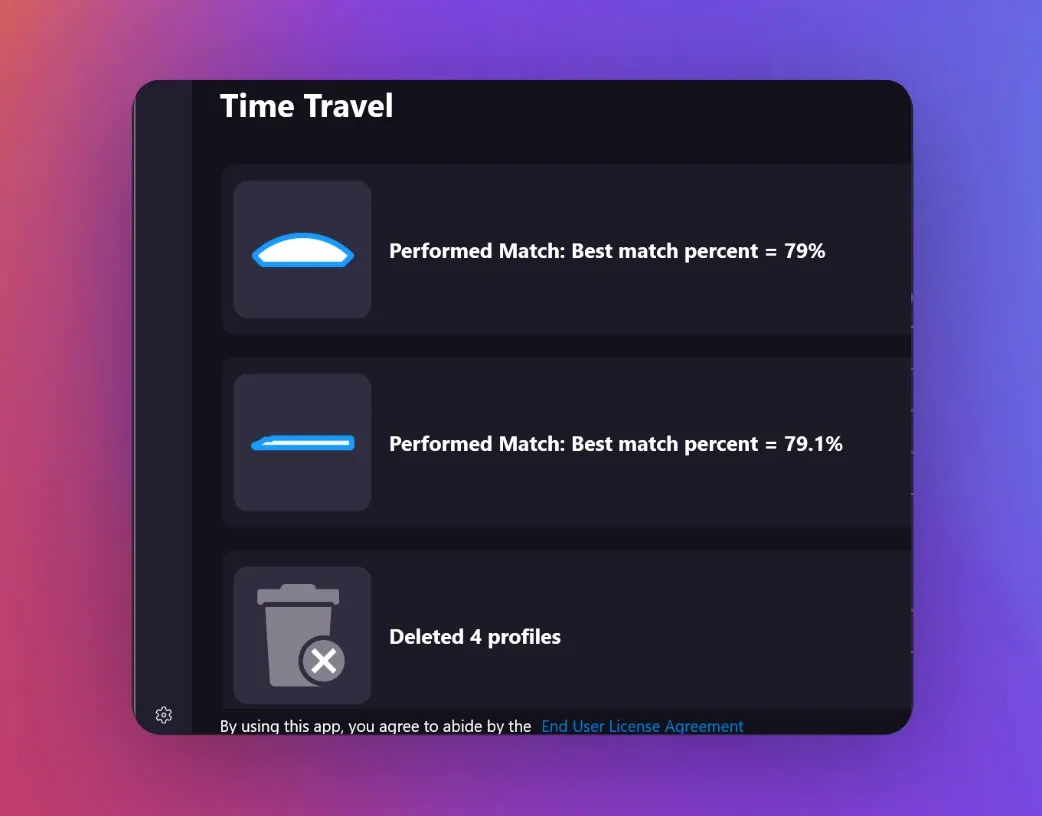
More than one person in your shop? The History feature lets you go back in time to see actions, pull up recent results, and re-run recent matches. Track imports, deletes and errors, and tie the history to each user.
Pricing is based on the number of computers running Match the Cut. You can always purchase more licenses – you just pay the difference.
Use Square's secure checkout to pay for the amount of licenses. Once payment is received, follow the directions in the app to activate your license(s).
Looking for more licenses? We offer special pricing for more than 5 licenses. Contact us today.
Once the catalog loads, it takes mere seconds to get results from a match.
Is there a monthly subscription?
No. We are tired of subscriptions. When you purchase a Match the Cut desktop license, you own it. We plan to continue to provide updates, and any future features are included in the price.
What are the system requirements?
Minimum system requirements: Windows 10 (up to date), 3.0 GHz 8-core CPU or better, and 8 GB RAM.
What is your product refund policy?
We provide a free trial version of Match the Cut so you can test the app before purchasing. If you need a refund after you purchase, please contact us. We look at refunds on a case-by-case basis.
How many profiles can be uploaded?
We've tested Match the Cut with over 100,000 profiles at once, and there was still a lot of room for more.
Where is the data stored?
All of the catalog data is stored locally on your computer.
What file types does Match the Cut support?
Match the Cut supports batch importing of .dxf CAD files. Free converters are available to convert from .dwg to .dxf if needed. Searching for a match can be done from a .dxf file or from an image in one of these formats: .jpg, .tiff, .png, .bmp, .gif and .ico.
How do you handle duplicates?
Match the Cut will still function if you have duplicate profiles in your catalog. It also flags possible duplicates after an import so you can review and delete them.